
The owner chooses which files and storage to expose to authorized peers.
Meddioo AI Host is designed to run supported models on a selected host. A team can plan where the model reads project data and where it saves its results.
Meddioo Desktop turns a computer into a Node of your Meddioo network.
Install the app, sign in, and choose what this computer shares. Each computer keeps its own files, its own permissions, and its own Node ID, and it works with the other Nodes you allow. Add a computer, and the chain grows.
Five computers stand in one chain. The middle one shows its parts: files, AI Host, Vision, Messenger, VPN, Security, Compute, and the monitor. A request travels along the chain to a Node that allows it, and a new Node joins.
Meddioo Desktop brings these parts together in one app. You choose which of them this computer uses.
Shared folders, drives, and an encrypted vault.
Decide for each resource and each person.
Accept jobs within the budgets you set.
Run compatible models on the machine you select.
Describe a scene and open the exact moment.
Conversations, calls, and files beside your work.
Reach chosen services over an encrypted tunnel.
File checks, quarantine, and firewall rules.
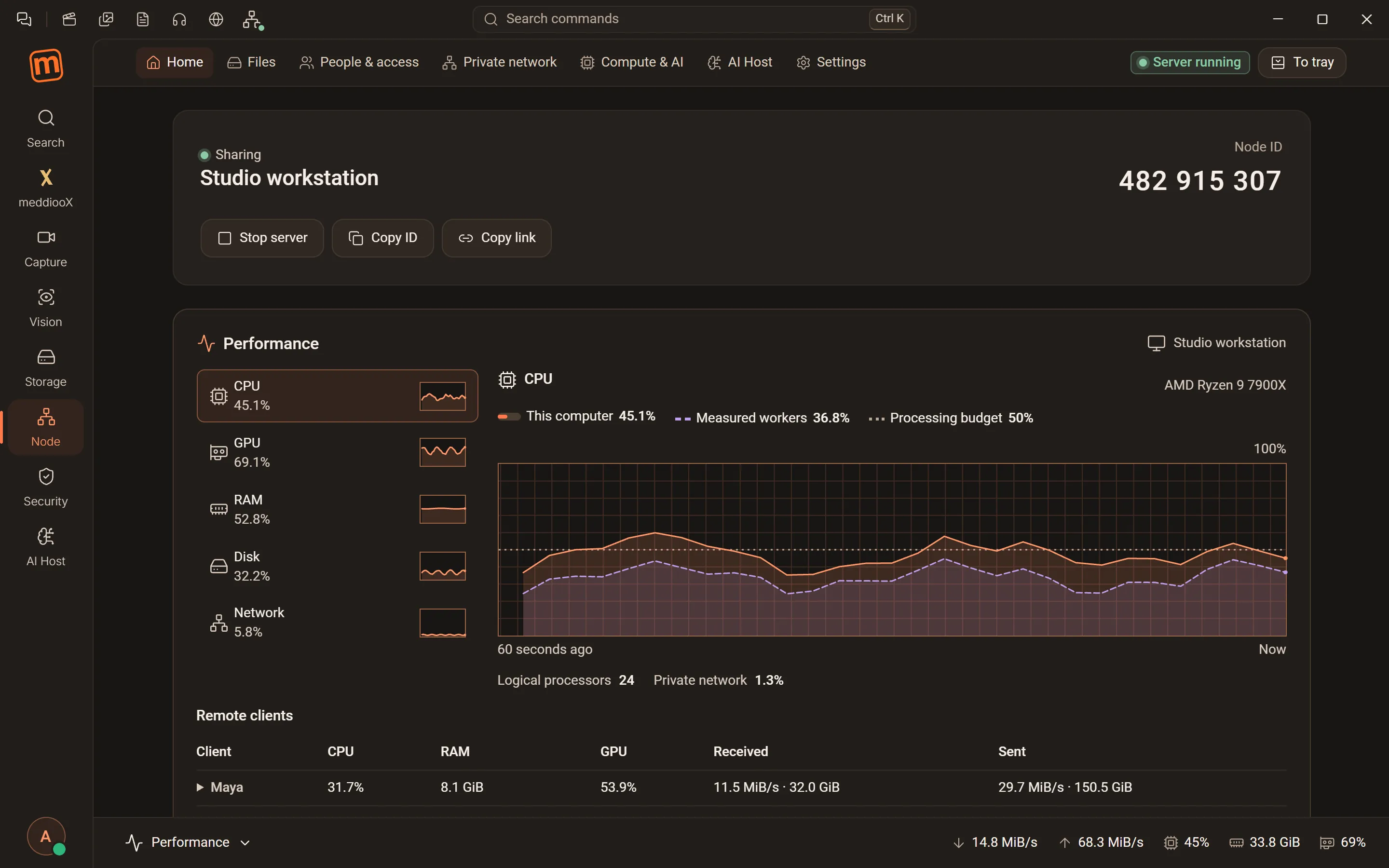
Live use, people, and open connections.

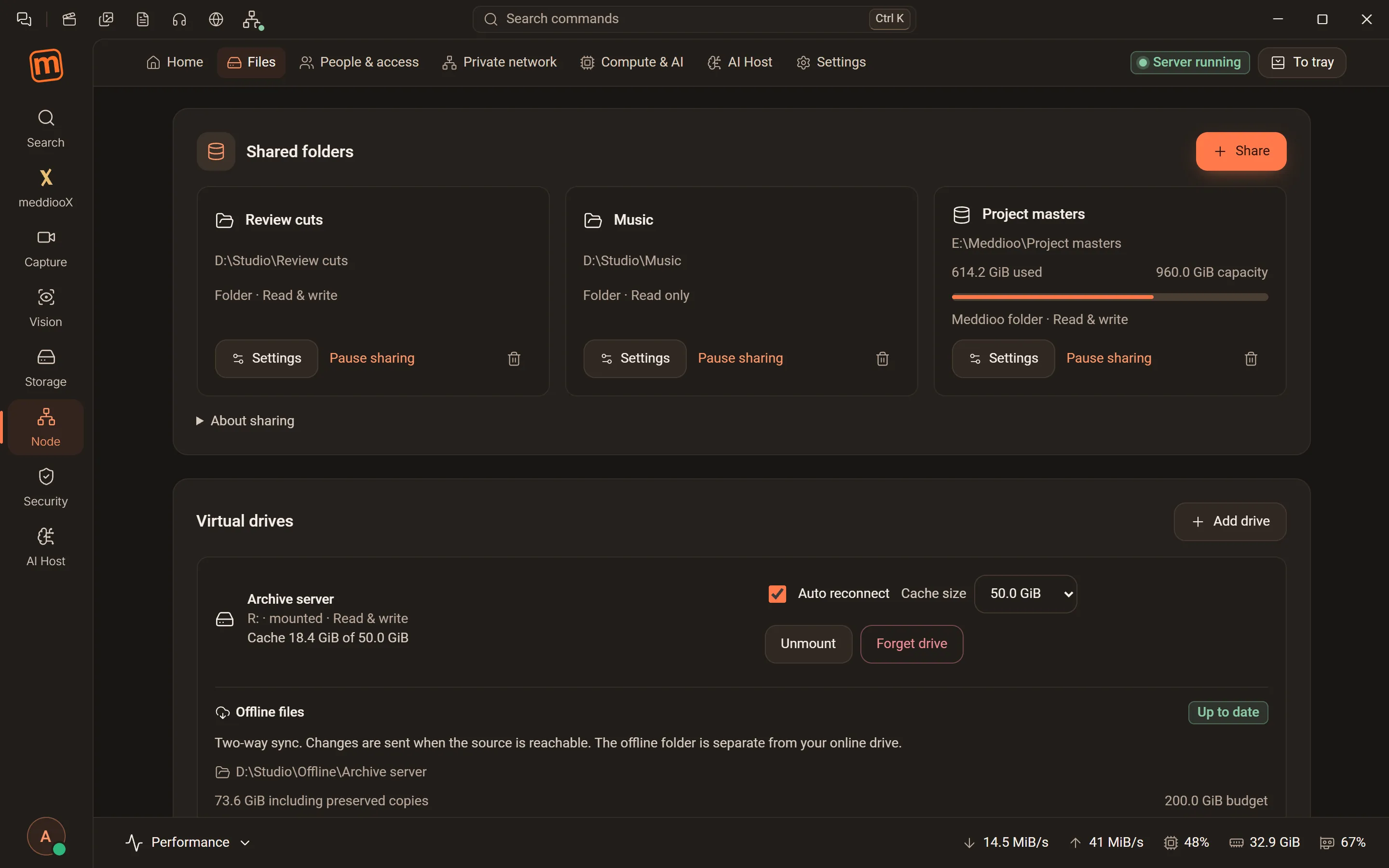
Shared folders, Meddioo Drive, cloud connections, and an encrypted vault.
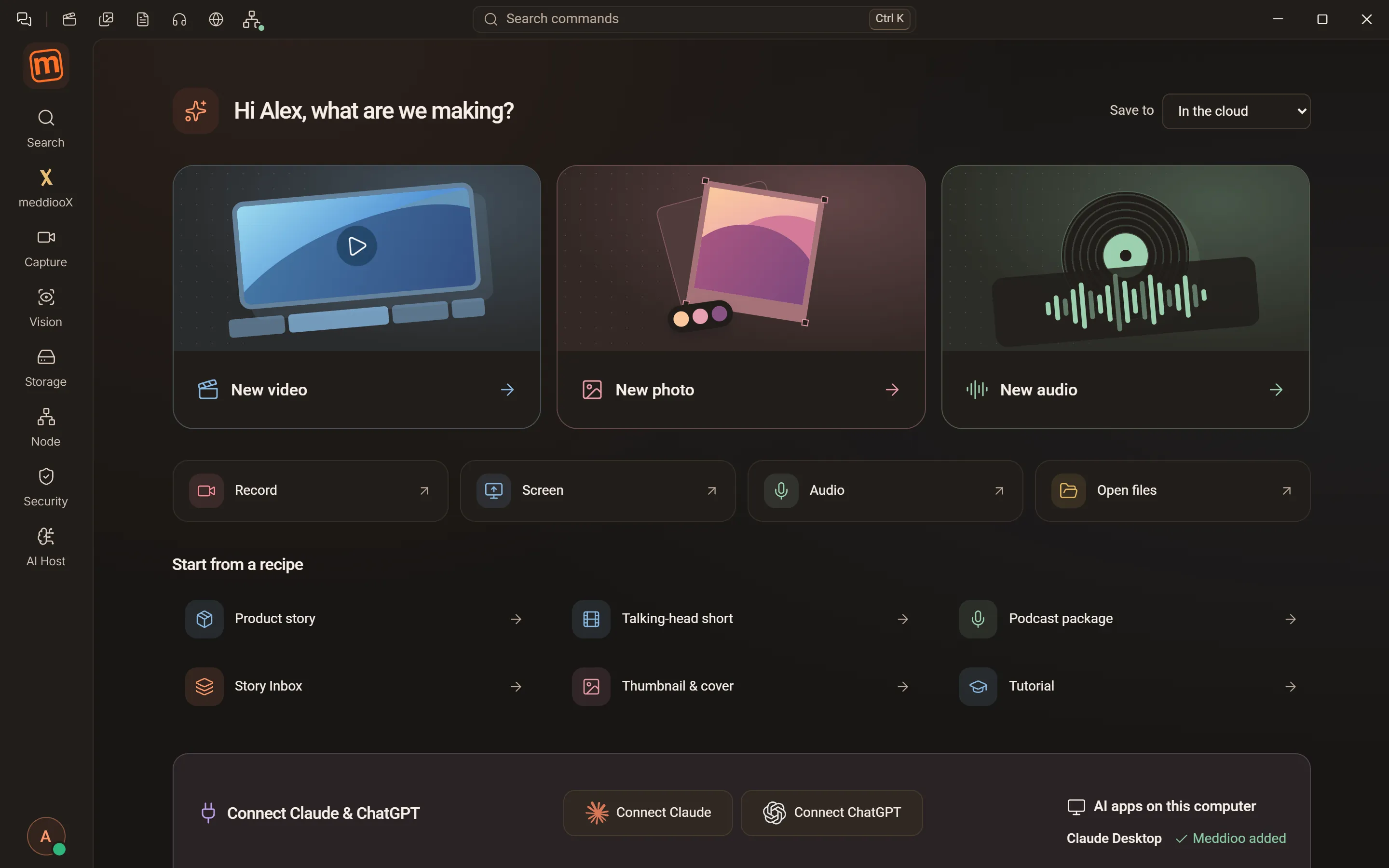
Drive & shared foldersMeddioo Desktop in its default theme, with example data.

Node is part of the app. Sign in. Nothing is shared until you choose.
Give it a name. It receives a nine-digit Node ID that stays its own.
A folder, rendering, local AI, or the graphics card. You can skip each step.
Approve each person, or use a password with a starting profile.
The other person enters it in Meddioo and asks for access.
Change permissions and limits, disconnect or remove a person, or stop using the computer as a Node.
Start video, photo, and audio projects, and open files from this computer.
Record the camera, the screen, or the microphone.
Describe a scene or a spoken line and look on this computer, online, in what is shared with you, and on your Nodes.
An AI assistant that opens beside any screen.
A browser, a video player, an image viewer, a text editor, and an audio player, each in its own window.
Five appearances, 11 languages, signed updates that wait for running work, and a tray icon while the computer shares.

Meddioo Desktop is built for 64-bit Windows, for macOS on Apple silicon and Intel, and for 64-bit Linux. A server can run Node as a service, without a window.
The app is in development. Features and supported systems are confirmed with each release, and published releases appear on the Downloads page of Meddioo.com after you sign in.
Downloads at Meddioo.comYour footage might live on a Linux server, your strongest GPU in a Windows workstation, and your edit on a Mac. Meddioo Node connects those machines through permissions you set.
Share selected storage or computing capacity with your own devices or with people you authorize. A team can make good use of one capable workstation across several desks.
The owner chooses which files and storage to expose to authorized peers.
Meddioo AI Host is designed to run supported models on a selected host. A team can plan where the model reads project data and where it saves its results.
Peer permissions govern the use of shared resources.
The designs include reviewing and revoking access. The optional Meddioo Security Platform adds plans for inspecting files and transfers and quarantining flagged content on supported systems.
Registered Node IDs, peer permissions, and relay support help authorized devices connect across locations.
MeddiooVPN is designed to extend access to selected internal services, with separate permission for broader network access.
A machine can make selected storage and computing resources available to its owner’s other devices or approved peers.
AI Host includes CPU, memory, and GPU usage targets in its design. Marketplace members would also be able to track the capacity they supply and consume.
These describe intended capabilities. Availability is stated as each release is confirmed.
Source, operator, and destination in one view.
36+ tools and studios.One account.Meddioo toolsMore than 36 tools and studios in one account.
Follow the files.See what gets shared.Use casesHow a creator, broadcaster, or organization could use the network.
Meddioo.net is a vision for both: a network you control, and a marketplace for what you choose to offer.
Explore Ways to Participate