
Lend the power you choose.
A Node can accept rendering, media, and AI jobs from the people you approve.
You decide how many processor threads, how much memory, and how many jobs at once. Sharing files keeps working when you turn computing off.
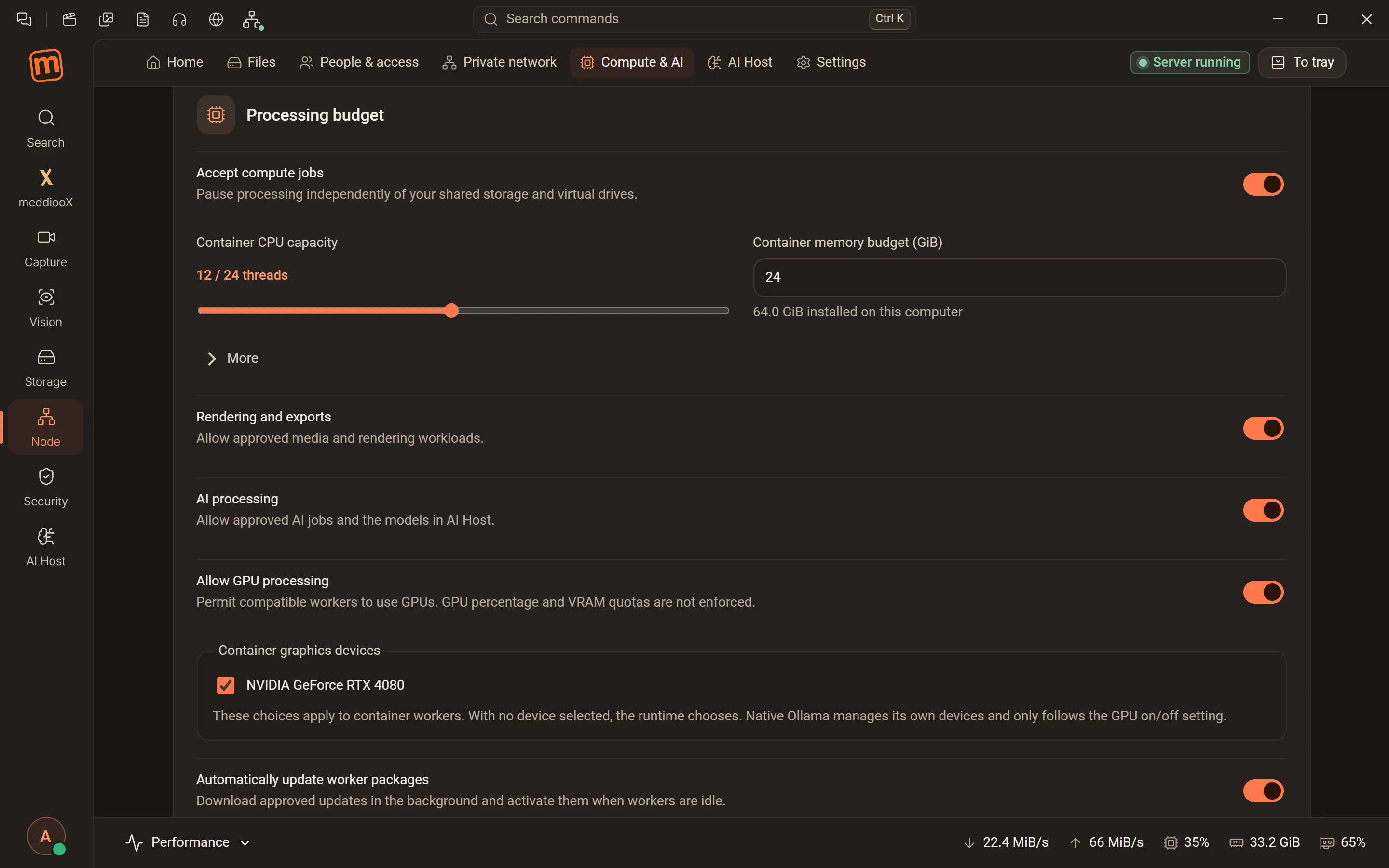
Meddioo Desktop in its default theme, with example data.
What you can do.
Budgets
Set processor threads, memory, temporary space, and the number of jobs at once.
The graphics card is your choice
GPU jobs have their own switch, and it stays off until you turn it on.
Known jobs only
Jobs run as media processing, local models, or approved containers. A Node offers no remote shell and runs no arbitrary commands.
Closed containers
Containers run with a read-only system, without extra privileges, and without an outside network.
The right machine for a job
Choose the Node that has the power for a render or an AI step.
See who uses what
Follow live use by each person, and disconnect someone when you need the computer back.
How it works.
Turn on computing
Accept compute jobs and set the budgets.
Allow people
Give each person rendering, local AI, or the graphics card.
Choose it for a job
In Meddioo, they choose your Node as the place where the job runs.
Good to know.
- For compute jobs, Node does not enforce a percentage of the graphics card or of its memory.
- Not every studio can run its jobs on a Node. A job moves to a server only when you allow that.
Built into Meddioo Desktop. The app is in development; features and supported systems are confirmed with each release.
Continue exploring.
What will you keep private? What will you share?
Meddioo.net is a vision for both: a network you control, and a marketplace for what you choose to offer.
Explore Ways to Participate