
See what your Node is doing.
Two views show what happens on the computer and on its connections.
Performance shows the live use of the processor, the graphics card, memory, disk, and network, with a row for each connected person. Open connections lists the programs that talk to the network.
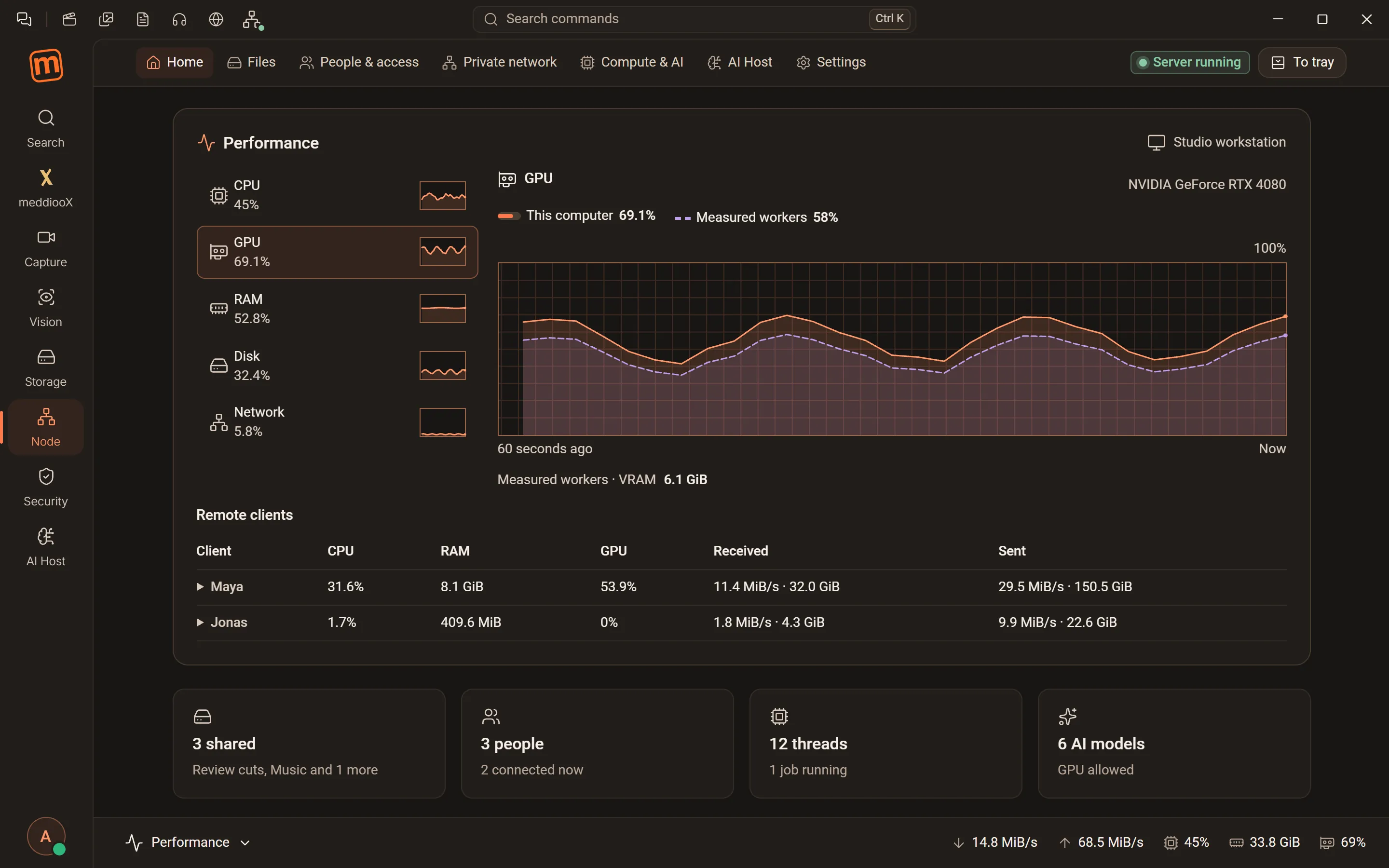
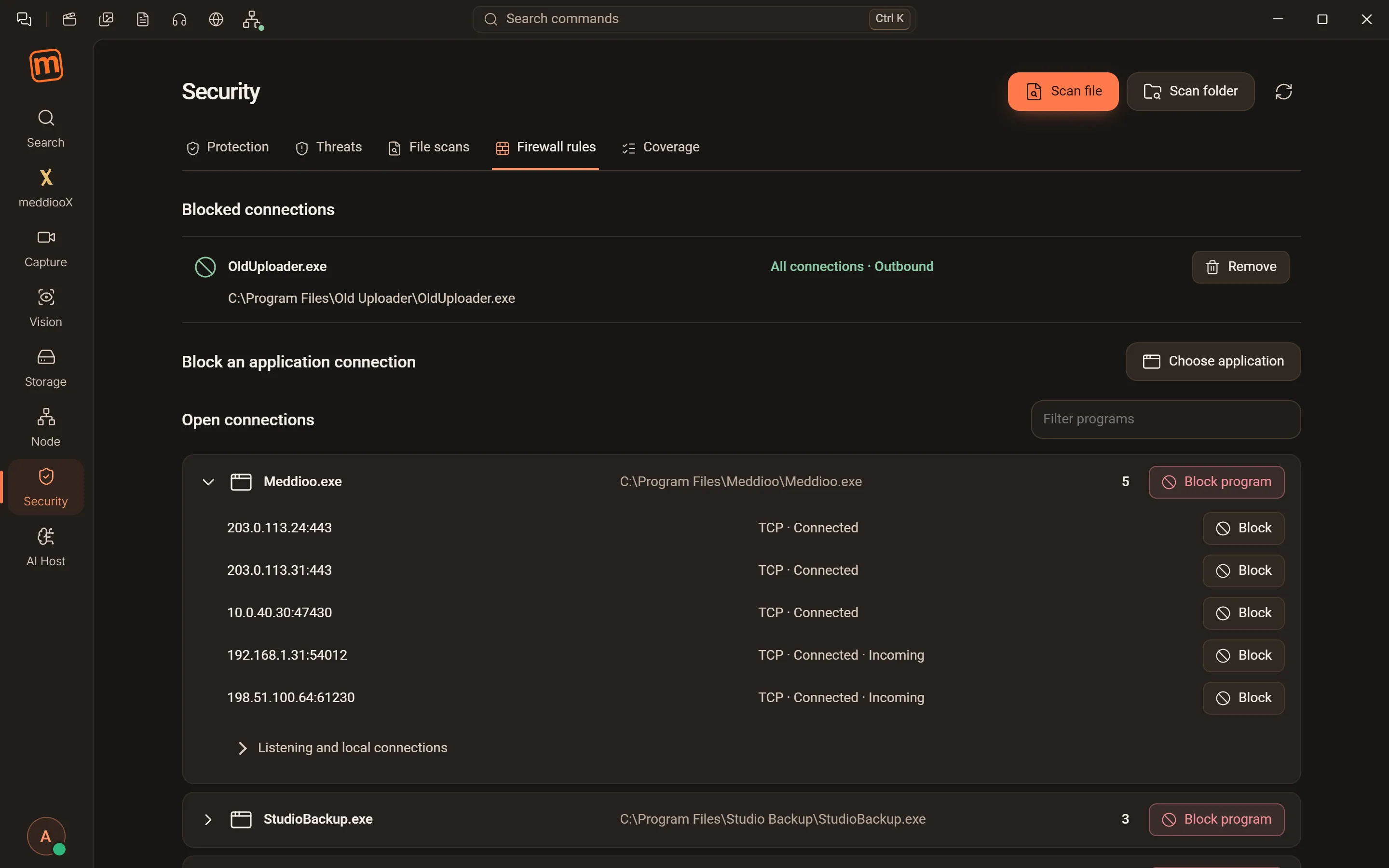
Meddioo Desktop in its default theme, with example data.
What you can do.
Live performance
Processor, graphics card, memory, disk, and network, measured as you watch.
People and their use
A table shows what each connected person uses.
VPN traffic
See how much the private network carries.
Open connections
A list of programs and their connections, read every few seconds.
Act on it
Block a connection or a program from the same list, after administrator approval.
Honest numbers
When the system cannot measure something, the app says so.
How it works.
Open Performance
It is on the Home tab of Node.
Open connections
They are in Security, under Firewall rules.
Decide
Disconnect a person or block a connection.
Good to know.
- The connection list shows the present. It keeps no history and shows no traffic volumes or host names.
Built into Meddioo Desktop. The app is in development; features and supported systems are confirmed with each release.
Continue exploring.
What will you keep private? What will you share?
Meddioo.net is a vision for both: a network you control, and a marketplace for what you choose to offer.
Explore Ways to Participate