
Reach your services from anywhere you allow.
The private network of a Node connects approved computers over an encrypted tunnel.
Offer a database, a media server, or a whole local network to the people you approve, without opening it to the internet. The VPN is an optional part that you install with administrator approval.
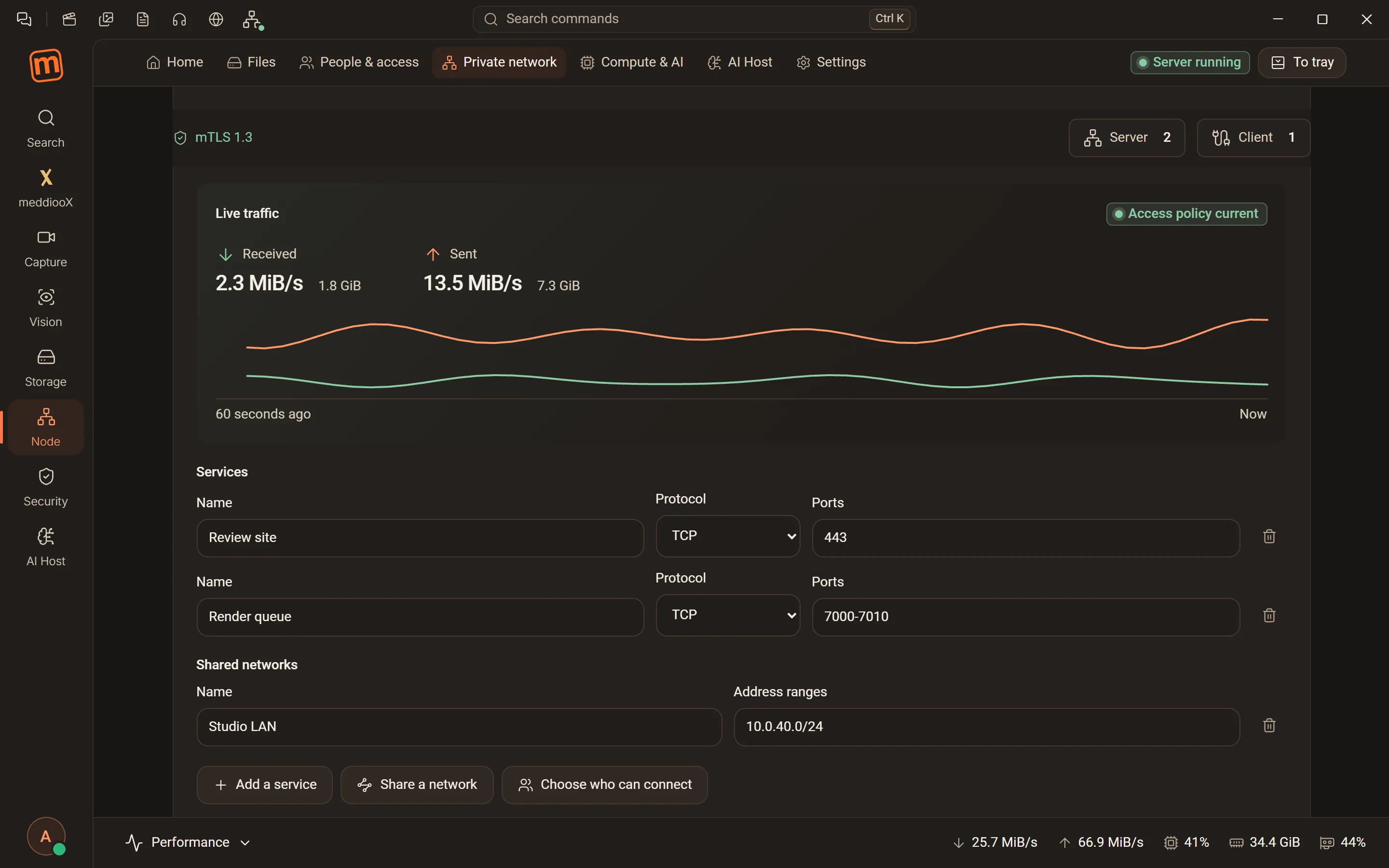
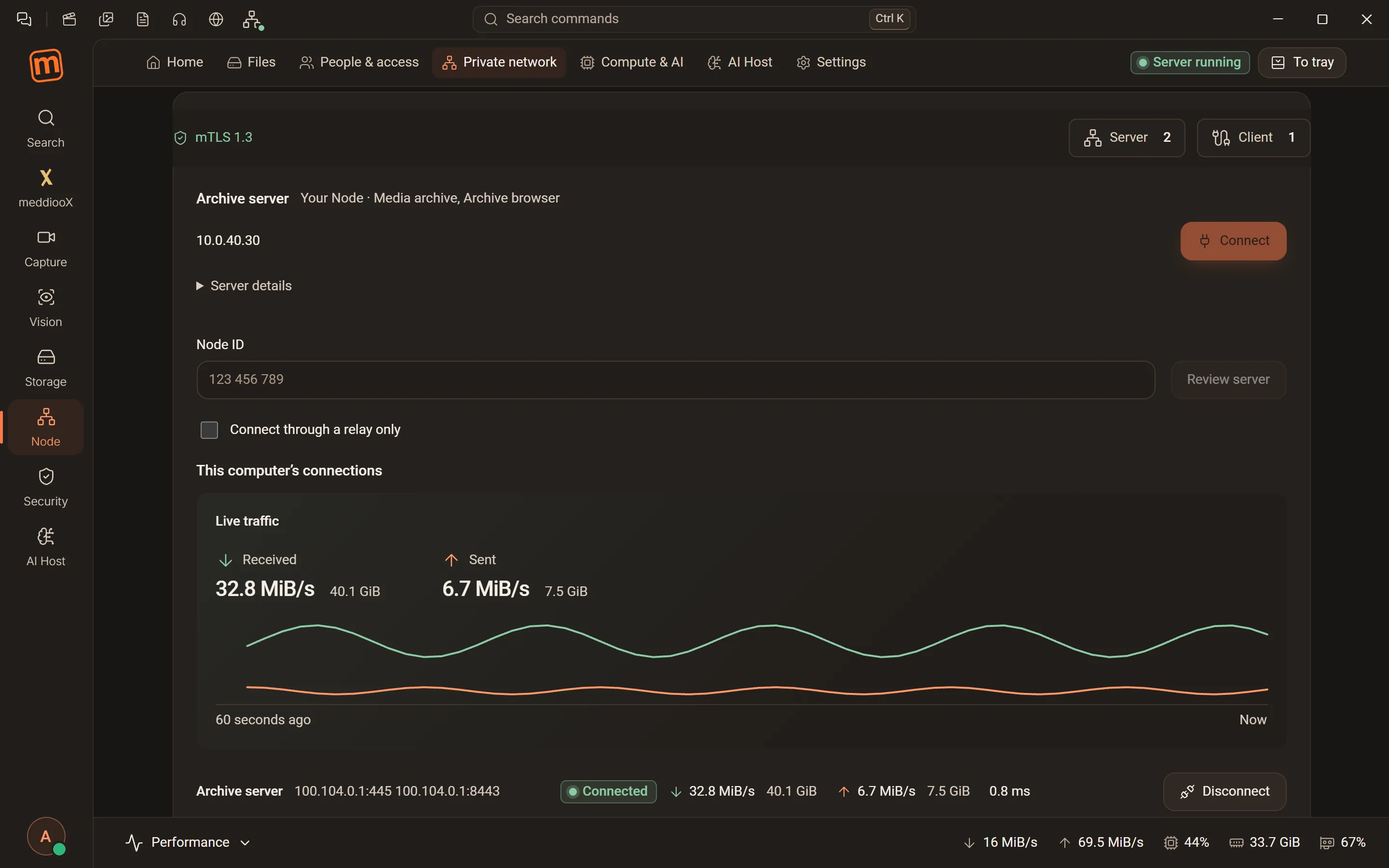
Meddioo Desktop in its default theme, with example data.
What you can do.
Chosen services
Offer single services, such as a web page, a database, or a media server.
Shared networks
Let approved people reach a network that your Node can reach.
Internet exit
Let approved people use your Node as their way to the internet. If the exit drops, the internet stays blocked until they reconnect or disconnect.
Encrypted connections
Connections use QUIC with mutual TLS 1.3 and fall back to another encrypted way when the direct one is closed.
One permission each
Each service, network, and exit is granted separately. Removing access cuts live sessions.
Connect by Node ID
Enter a Node ID to connect, to join a network, or to use an exit.
How it works.
Install the part
Add the private network to Node, with administrator approval.
Choose what to offer
Services, a shared network, or an internet exit.
Allow people
Grant each of them separately.
Connect
They enter your Node ID and connect.
Good to know.
- It is implemented for Windows 10 and later and for Linux; macOS is being checked. Phones are not part of it.
- The VPN has not had an independent security review yet.
- It carries IPv4 networks and exits.
Built into Meddioo Desktop. The app is in development; features and supported systems are confirmed with each release.
Continue exploring.
What will you keep private? What will you share?
Meddioo.net is a vision for both: a network you control, and a marketplace for what you choose to offer.
Explore Ways to Participate