
Check what comes in. Know what is open.
Meddioo Security Platform adds checks to a Node.
It shows the state of the protection your system already has, checks files and folders, and keeps suspicious files apart. It works beside the antivirus of your system and does not replace it.
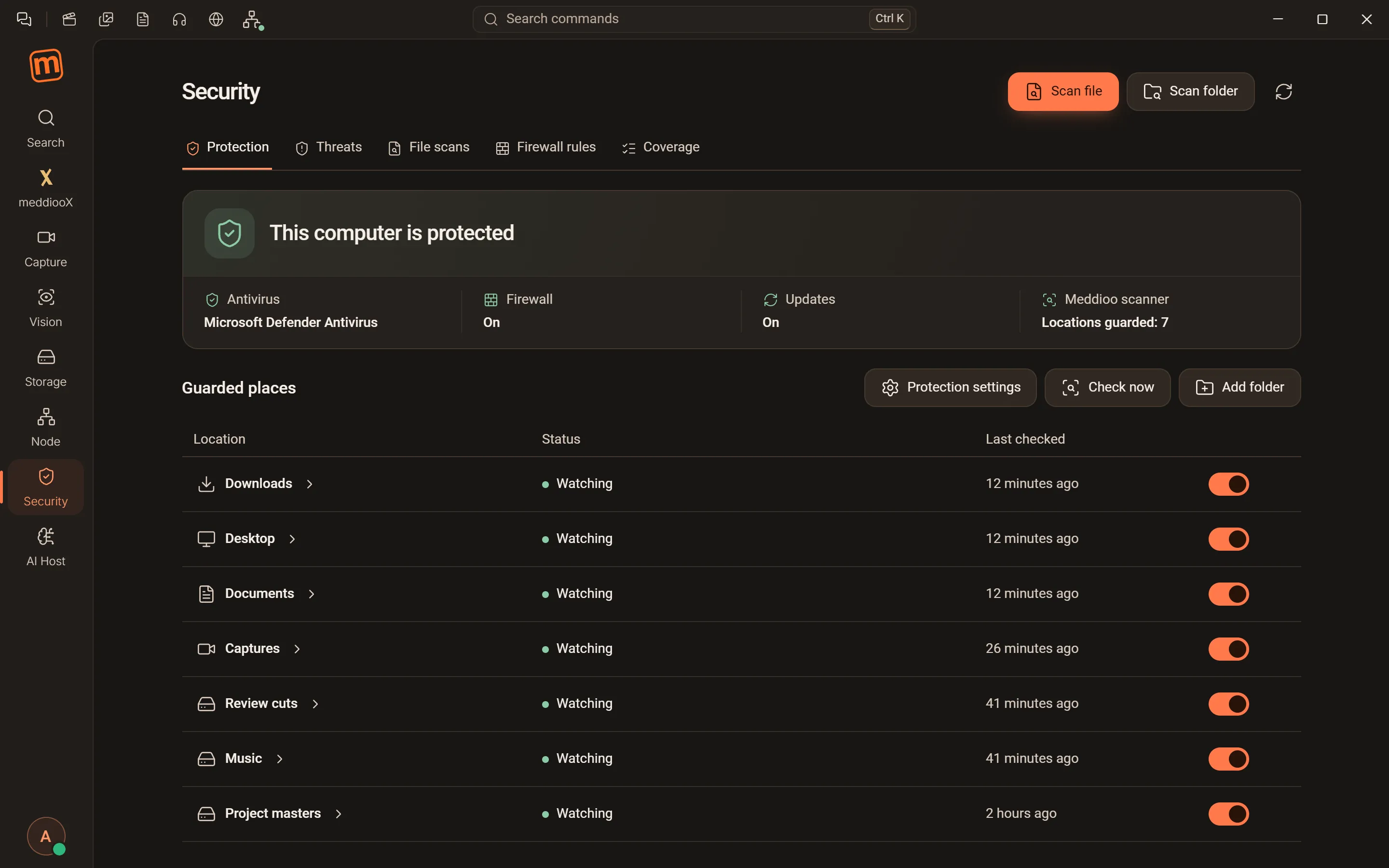
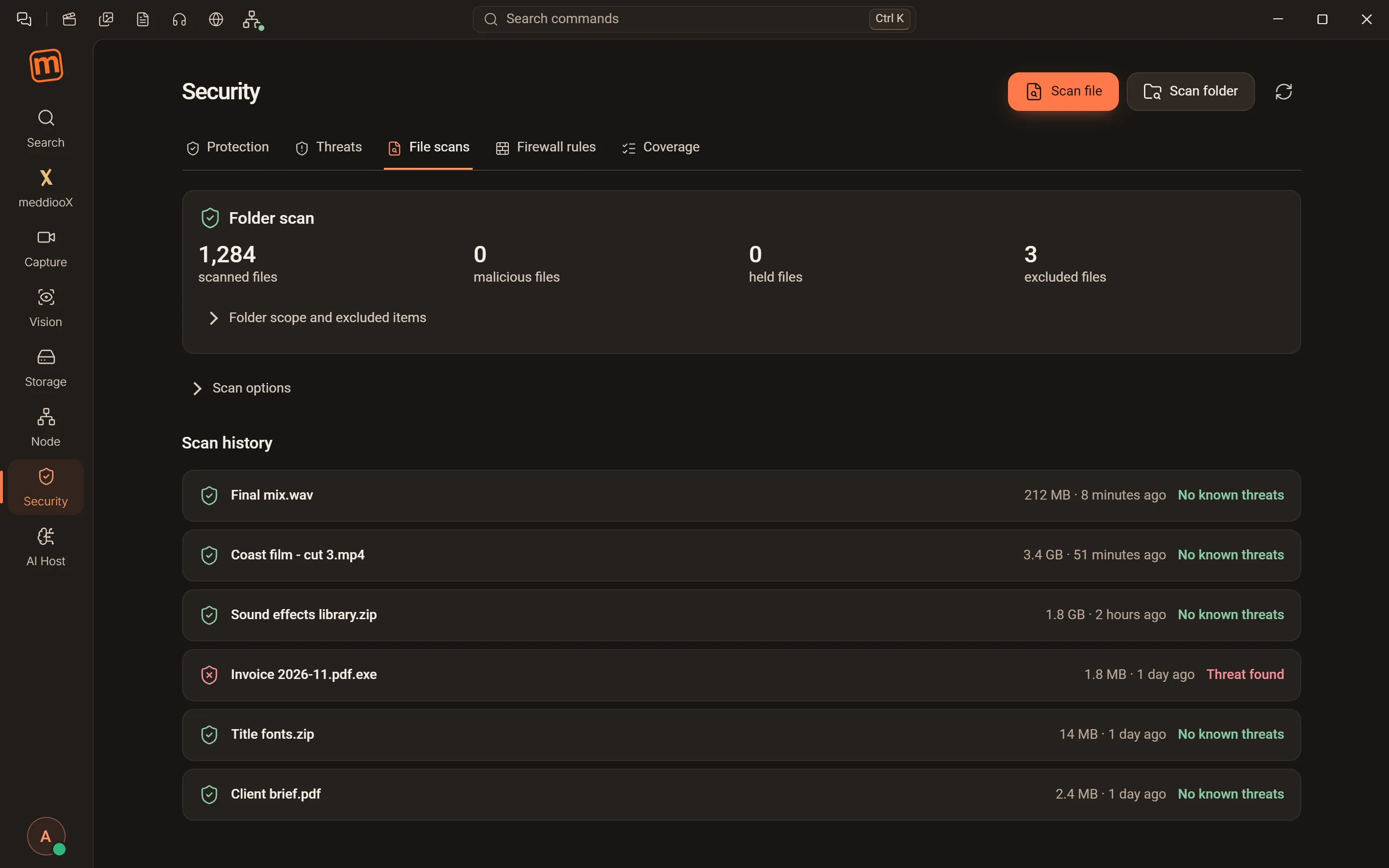
Meddioo Desktop in its default theme, with example data.
What you can do.
Protection at a glance
See the state of the system antivirus, the firewall, and updates.
File checks
Check a file or a folder, or run a full check on a schedule.
Guarded folders
Watch Downloads, Desktop, Documents, and folders you add, and check files after they are saved.
Quarantine
Keep a flagged file encrypted and apart, then restore or delete it.
Firewall rules
Block one connection or a program through the system firewall, after administrator approval.
Definitions
Receive signed definition updates, or import a package yourself.
How it works.
See the state
Protection shows what your system already does.
Choose folders
Guard the folders where files arrive.
Decide
Restore or delete what was kept apart.
Good to know.
- It is a supplementary scanner and not a replacement for an antivirus.
- A file can still be opened while it is being checked.
- Signed definition packages are part of the release work. Until they are installed, many known threats are not recognized.
- Firewall rules are offered on Windows and, for incoming connections, on a Mac. They are not offered on Linux.
Built into Meddioo Desktop. The app is in development; features and supported systems are confirmed with each release.
Continue exploring.
What will you keep private? What will you share?
Meddioo.net is a vision for both: a network you control, and a marketplace for what you choose to offer.
Explore Ways to Participate