
Your files, on every computer you allow.
Share a folder where it already is, and open it from another computer as if it were there.
A Node can share an existing folder, an external drive, a network folder, a storage bucket, or a new Meddioo folder. Meddioo Drive shows your files, your projects, and the folders on your other computers as one drive.
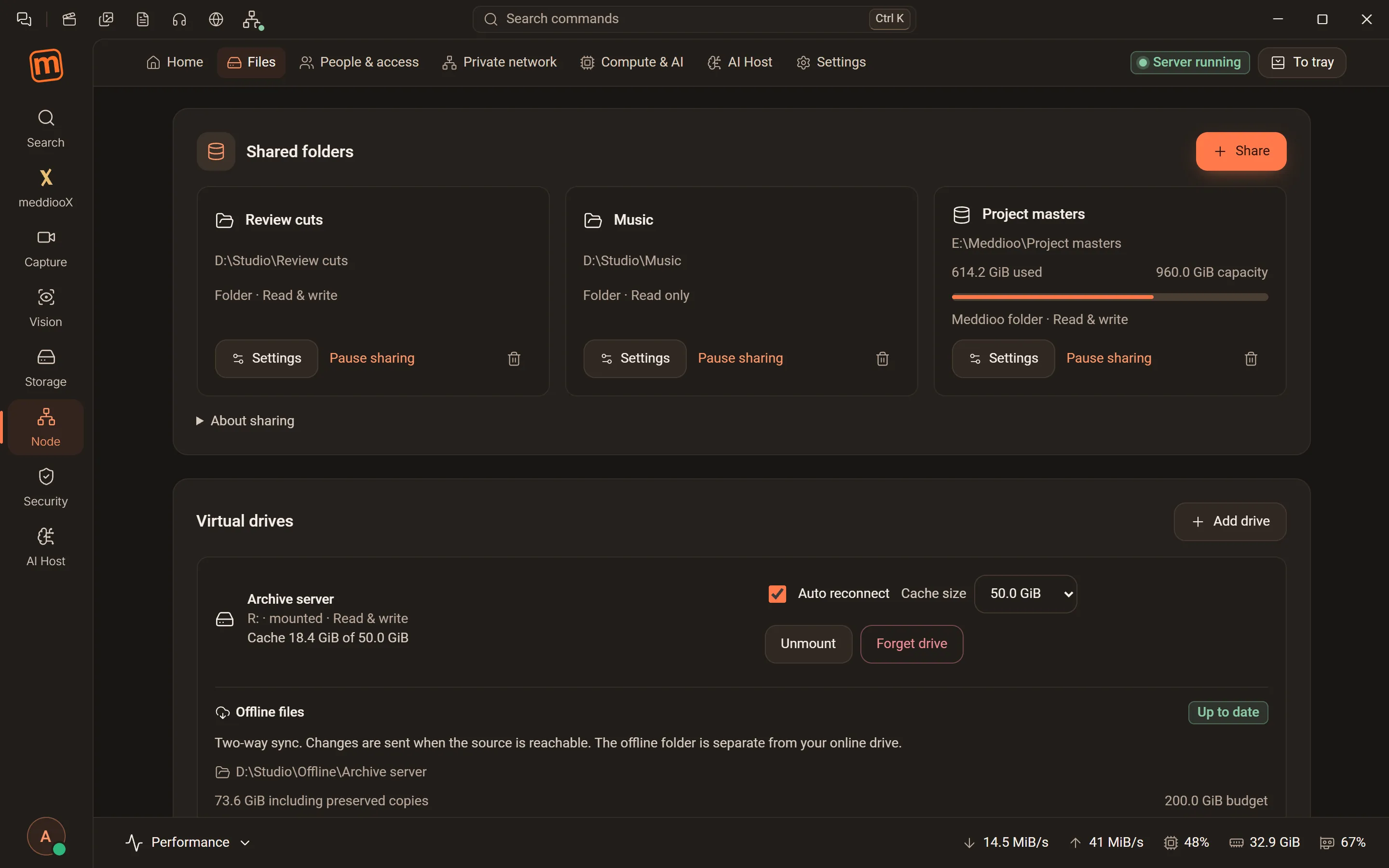
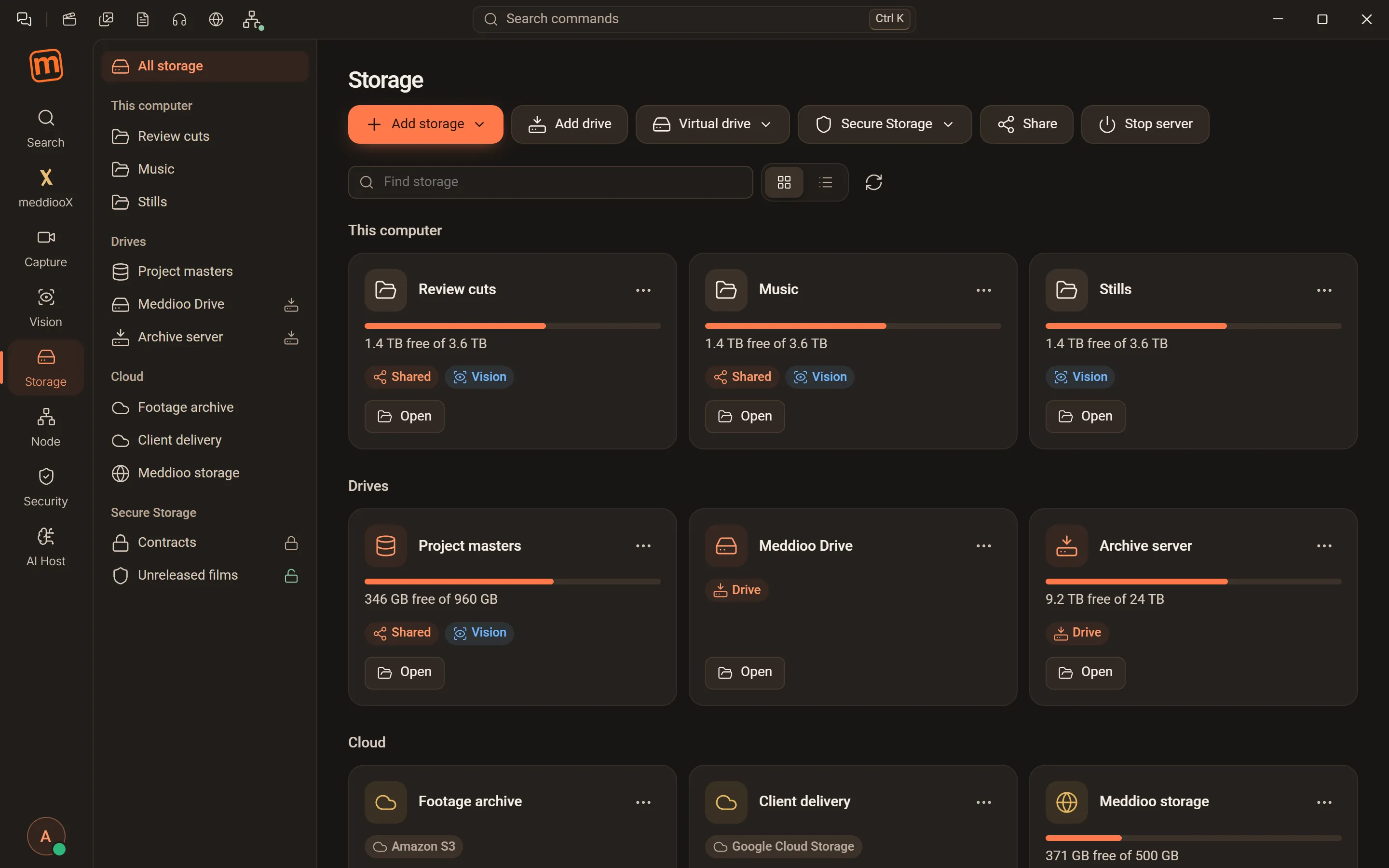
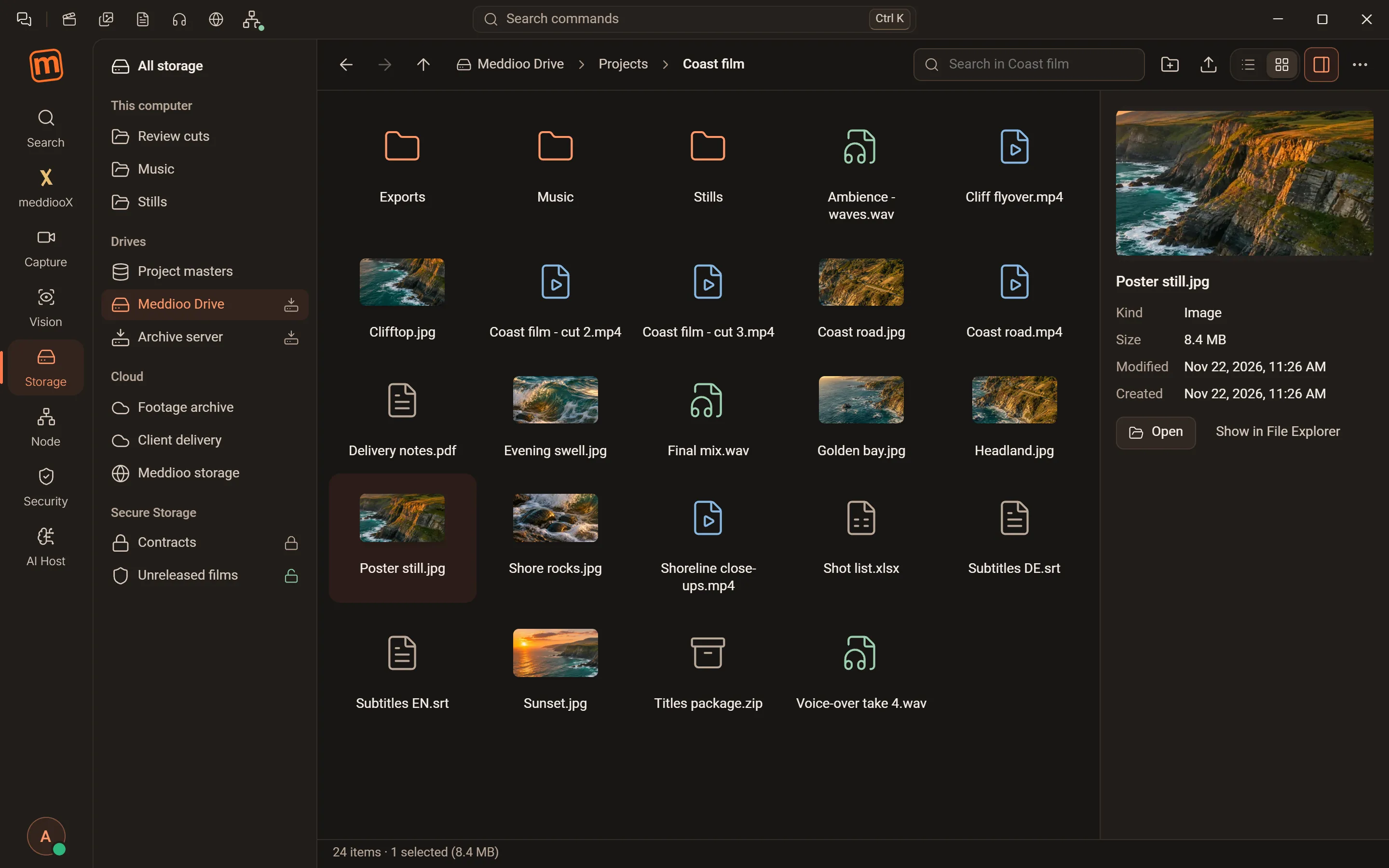
Meddioo Desktop in its default theme, with example data.
What you can do.
Shared folders
Share a folder in place, for reading only or for reading and changing. Links are never followed, and system folders cannot be shared.
Meddioo Drive
Open My files, Projects, and Computers as one drive. Deleted files stay in the trash for 30 days, and ten versions of a file are kept.
Virtual drives
Show a cloud bucket, a volume of your own, or another Node as a drive.
Cloud connections
Connect Amazon S3, S3-compatible storage, Azure Blob, and Google Cloud Storage. Their keys stay in the vault of your system.
Offline files
Keep selected folders on a Windows computer and synchronize them in one or both directions, with conflict copies.
Secure Storage
Keep private files in an encrypted vault with a recovery key and an automatic lock.
How it works.
Choose a folder
Pick a folder, a drive, or a bucket, and set how much space it may use.
Choose the people
Give each person reading, changing, or no access, for the whole Node or for one share.
Open it anywhere
They open it in Meddioo, use it in a project, or see it in Meddioo Drive.
Good to know.
- Meddioo Drive needs a file-system driver: WinFsp on Windows, macFUSE on a Mac, or FUSE on Linux.
- Files go from computer to computer where possible. Some project storage and relayed connections pass through Meddioo.
- Synchronization is not a backup. It stops for review when more than half of the files would be deleted.
Built into Meddioo Desktop. The app is in development; features and supported systems are confirmed with each release.
Continue exploring.
What will you keep private? What will you share?
Meddioo.net is a vision for both: a network you control, and a marketplace for what you choose to offer.
Explore Ways to Participate